Layer 1 — Reference and look development
Primary tool: Freepik Spaces. Supporting: Nano Banana Pro for high-quality stills.
This is where we lock character DNA, environment palettes, and the visual language of the project before any motion is generated. Spend two days here so you do not waste two weeks downstream.
What lives here: character reference sheets (front, three-quarter, profile, expression range), environment moodboards, lighting palettes, prop and wardrobe references, and a style bible the rest of the pipeline references on every shot.
The discipline is the same as live-action pre-production. You are doing the work of an art director, a costume designer, and a DP, accelerated by tools that can iterate in minutes.
Layer 2 — Motion generation
Primary tool: Seedance 2.0. Supporting: Kling 2.6, Veo for specific cases.
This is where shots get made. Seedance 2.0 is our default because of motion control quality and because the output integrates cleanly into post. Kling 2.6 takes over for shots that need precise lipsync to a specific dialogue track. Veo for very specific stylistic needs.
The per-shot loop: feed locked references, brief the shot like a real shot (lens, camera move, blocking, length), generate 4–8 takes, pick the take, log it, move on. Three to twelve shots a day depending on complexity.
Layer 3 — Sound and music
Primary tools: Suno Studio for music, ElevenLabs for voice and SFX, Adobe Podcast for cleanup, Sync.so for lipsync correction.
Music gets generated in Suno against a tempo map and a mood reference. Vocals through ElevenLabs with consistent voice IDs across a project. SFX library built in ElevenLabs and Suno-generated stings. Cleanup of any noisy reference audio through Adobe Podcast.
If the dialogue track is locked and a Seedance shot needs lipsync correction, Sync.so handles it as a post step.
Layer 4 — Finishing
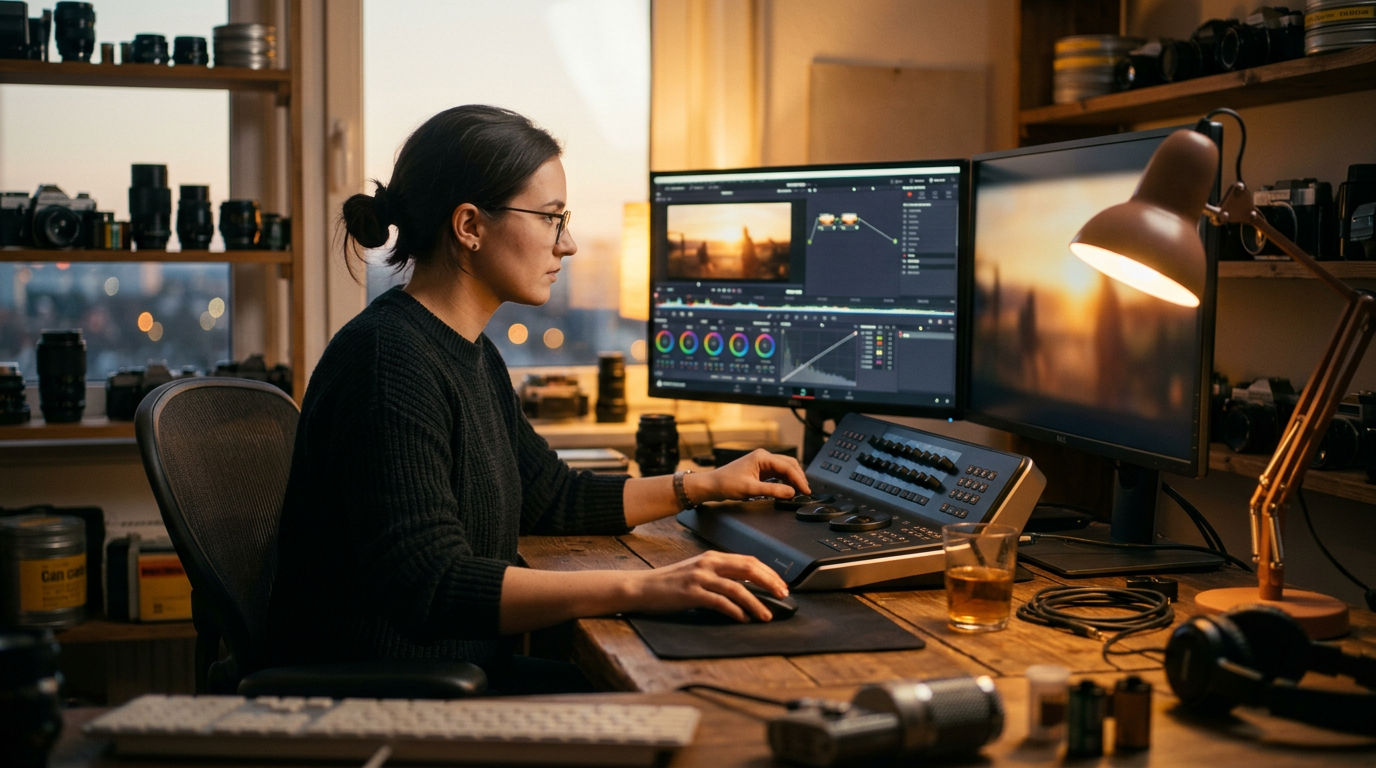
Primary tools: DaVinci Resolve for grade and conform, Logic Pro for audio mix.
This is the layer that distinguishes broadcast-grade work from AI demo reels. Color grade against scopes. Audio mix to loudness specs. Conform to deliverable codecs. Output masters.
The finishing tools have not changed — they are the same tools the live-action industry uses. AI changes the front of the pipeline. The back of the pipeline is the same as it has always been. That is a feature, not a limitation.
Where the real bottlenecks are
The pipeline can ship a 30-second spot in ten days. Inside that window, the bottlenecks are almost never tool-related anymore. They are:
Approval cycles. Every round of client feedback costs a day or two of generation time. Cut the number of approval rounds and the project ships in half the time.
Reference quality. Bad references make bad shots. Time spent in Layer 1 pays back 10x in Layer 2.
Selection fatigue. Twelve takes per shot, three hundred shots, judging which take is best on each one is the work. Most teams underestimate how taxing this is.
The tools keep getting better. The discipline of selecting, directing, and finishing is what carries the work.